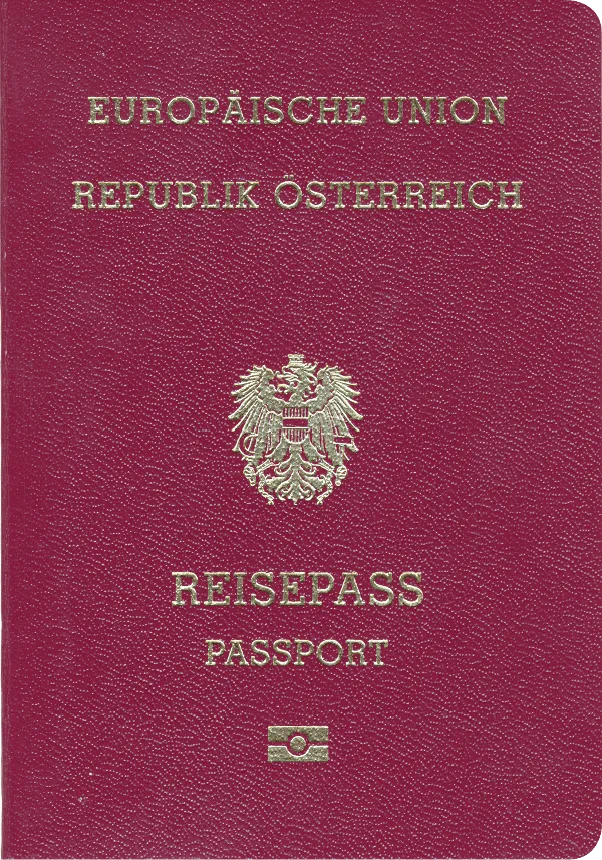
Austria Passport 35x45 mm (3.5x4.5 cm)
- 35x45 mm
- In color
- Head height: 34.5mm
- Glasses not allowed
Official requirements
Snap – Upload – Done. PhotoGov is a passport photo tool that instantly creates official photos meeting international government standards.
Upload your selfie → Get a compliant passport-size photo
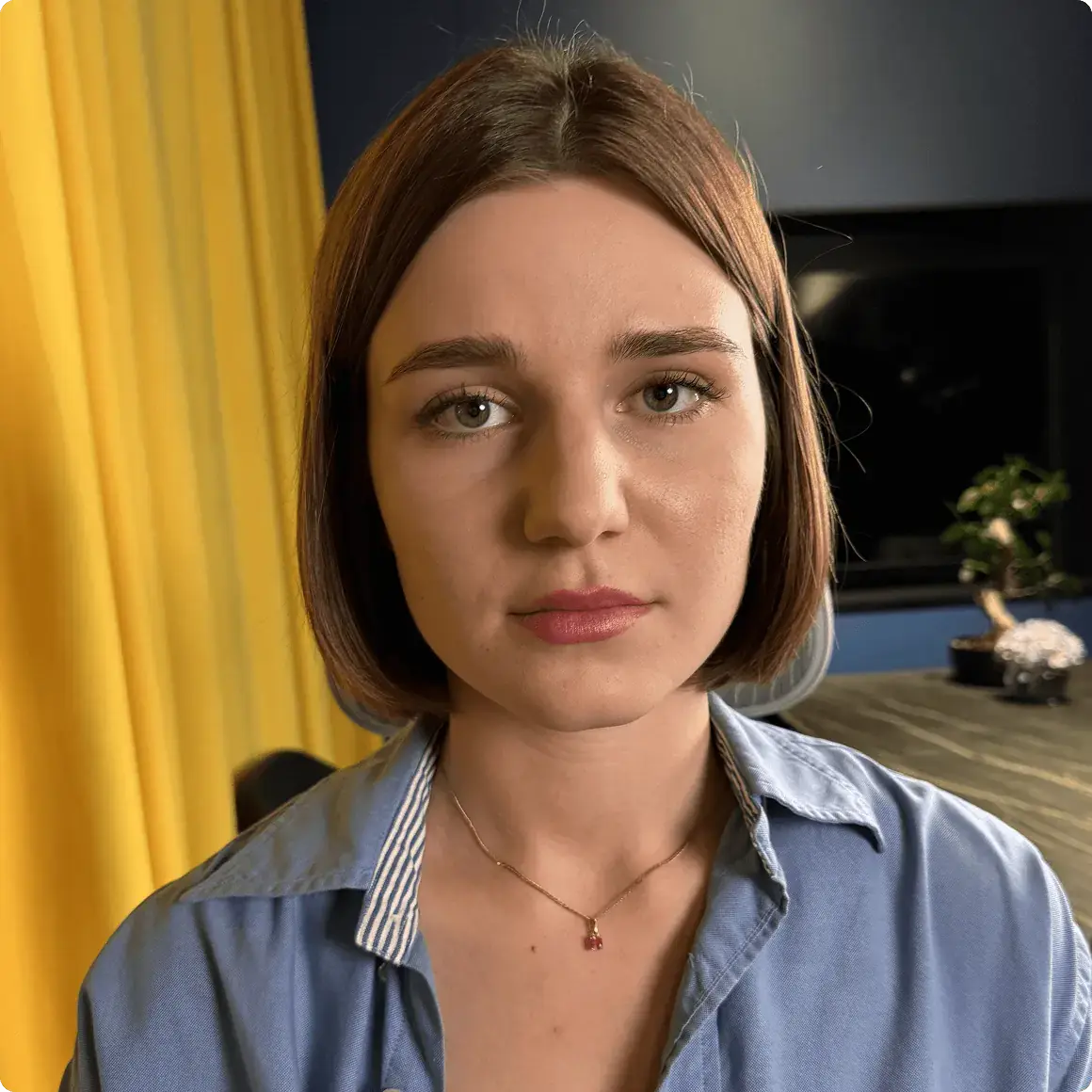
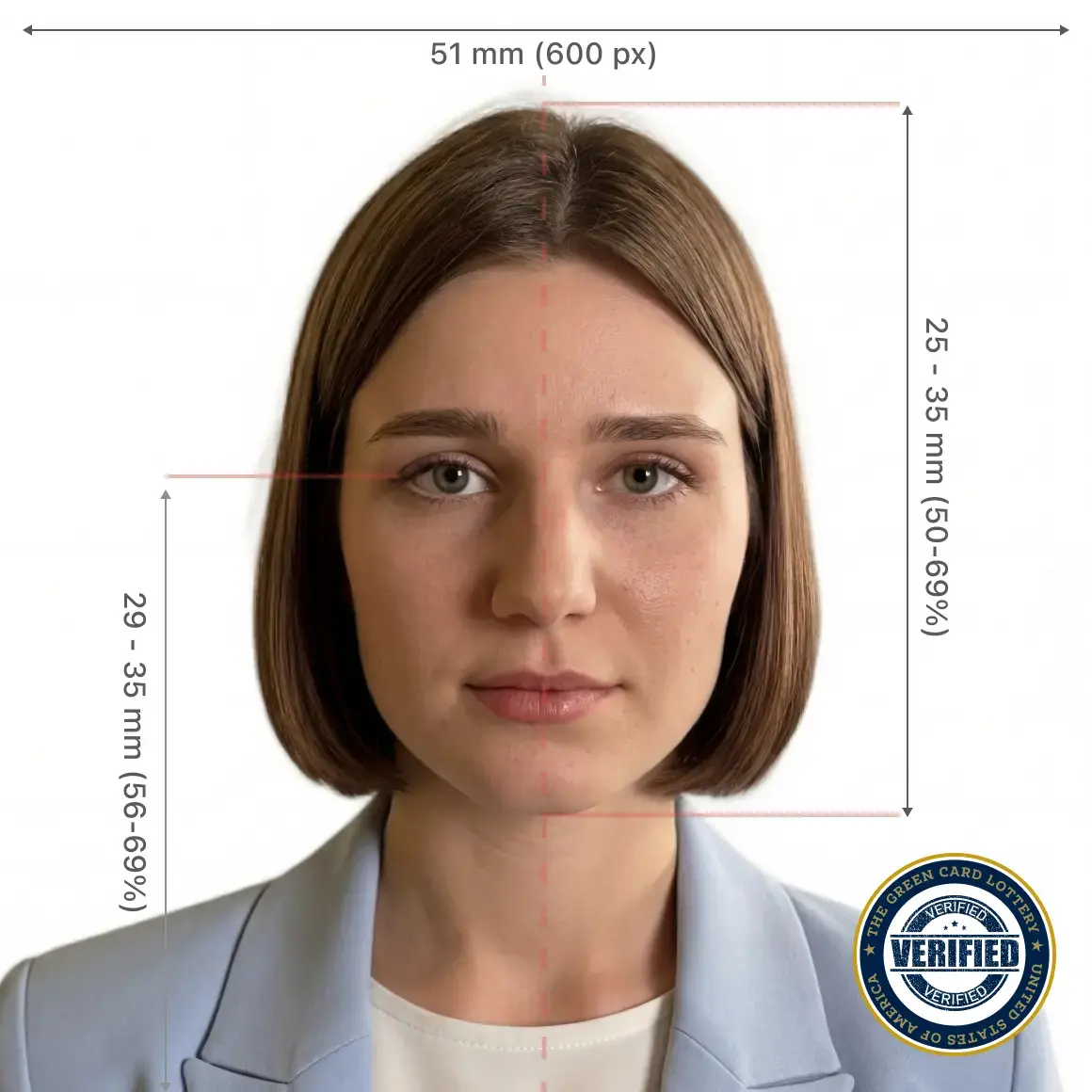
Government Photo Compliance Guaranteed





Create ID or visa photos with our online service. All you need is a smartphone or a laptop — PhotoGov takes care of the rest. Follow these simple steps:
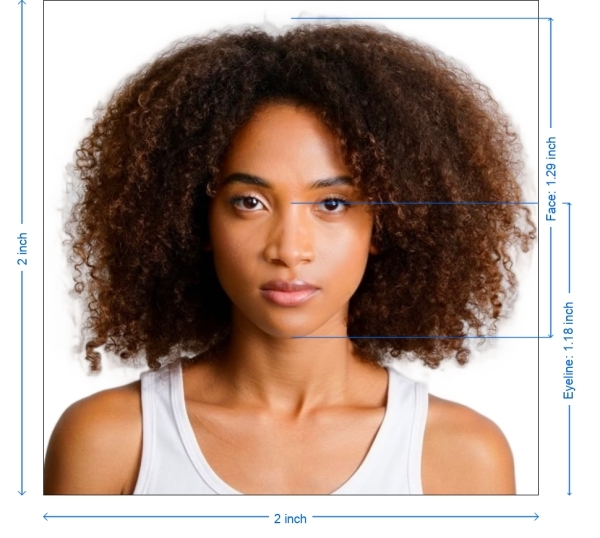
PhotoGov is an independent service. We are not affiliated with any government, embassy, or consulate. All information on this website is based on official government requirements and verified primary sources. Final acceptance is determined solely by the issuing authority.
How it works
PhotoGov makes photos for 900+ types of ID documents across 200 countries. The uploaded portrait doesn't have to be perfect — our software automatically adjusts it to official requirements, delivering a ready-to-download ID picture.
Photo Upload
Processing
Checkout
Download
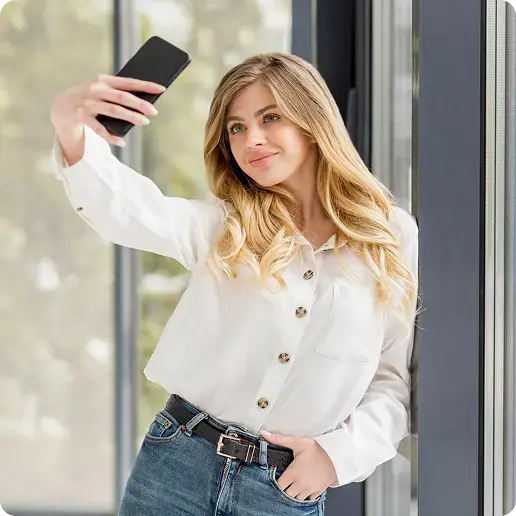
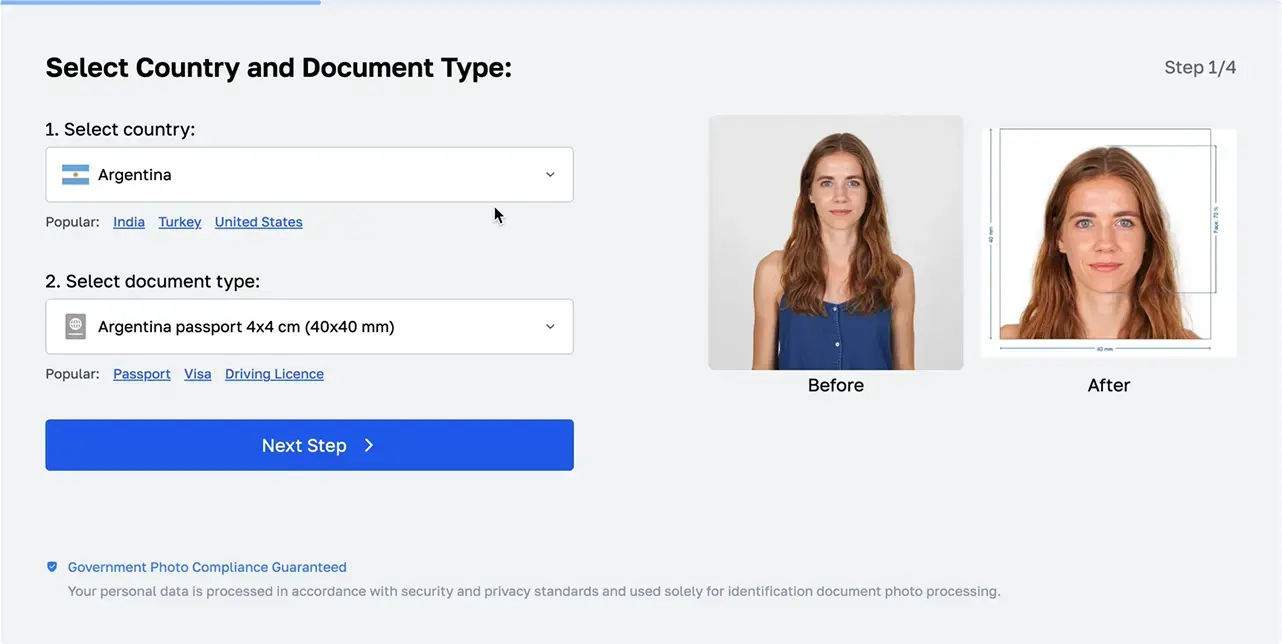
1. Photo Upload
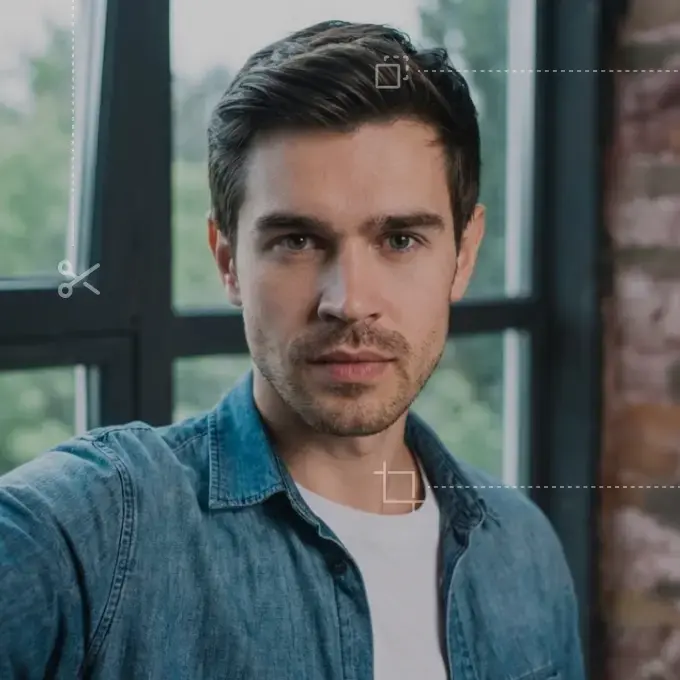
Take a selfie and upload it to our online tool.

Processing...
2. Processing
In 30 seconds, your portrait is transformed into an ID photo.
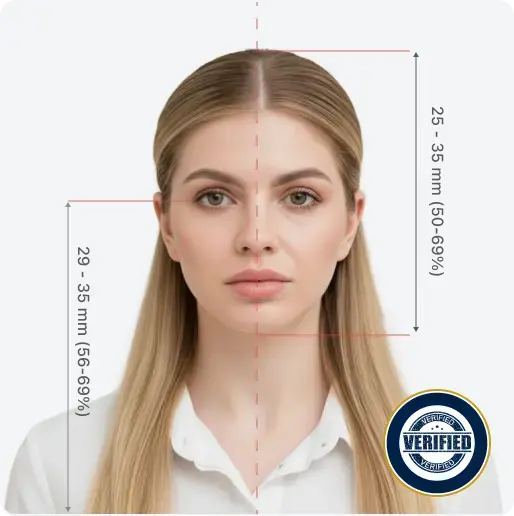
Expert review available
Add a manual compliance check before download.
3. Сheckout
Select options or add expert verification
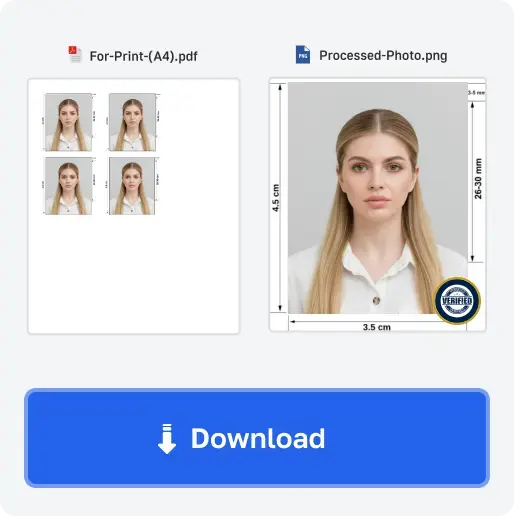
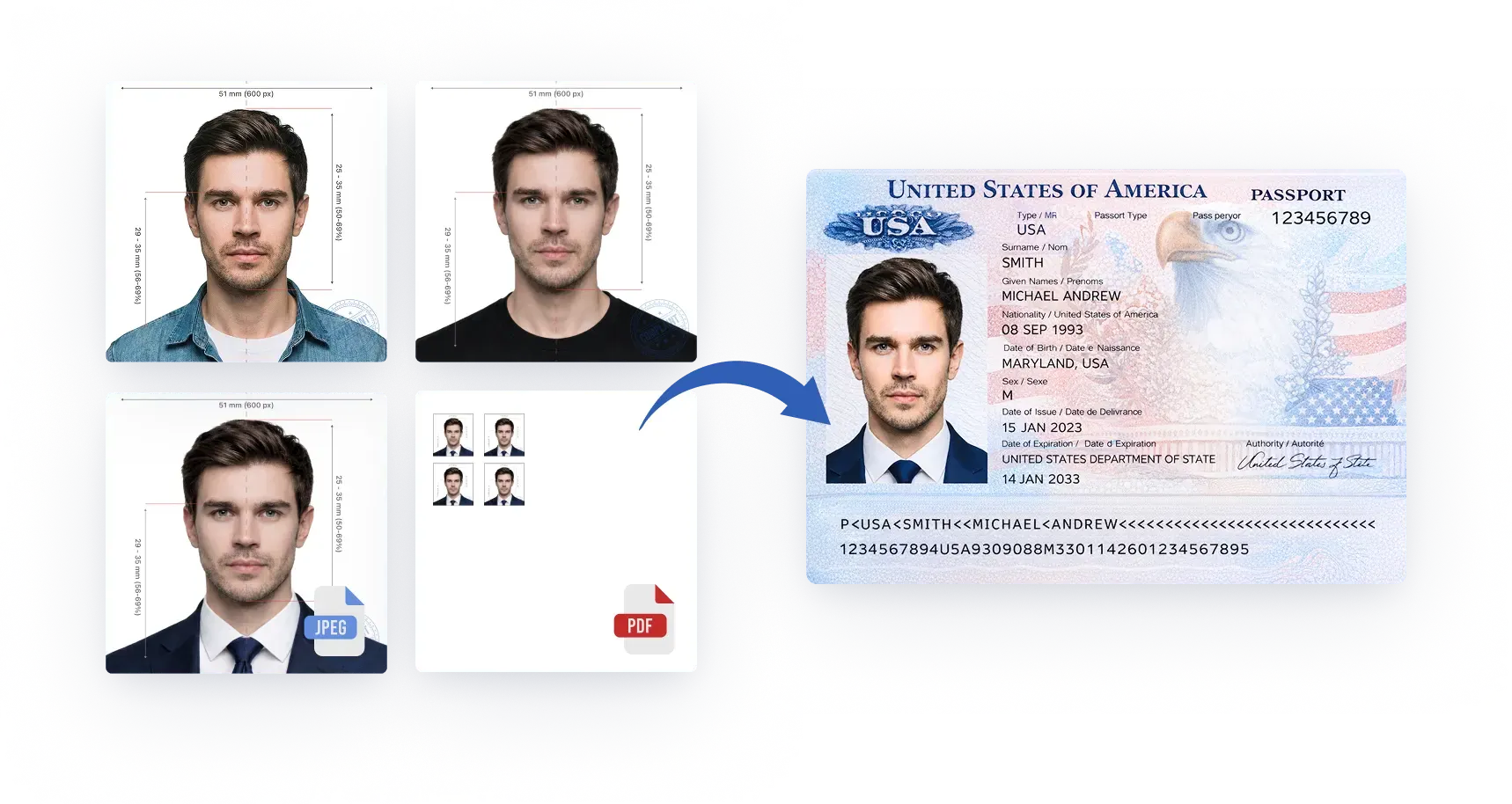
4. Download
Get high-quality photos in digital or printable format.
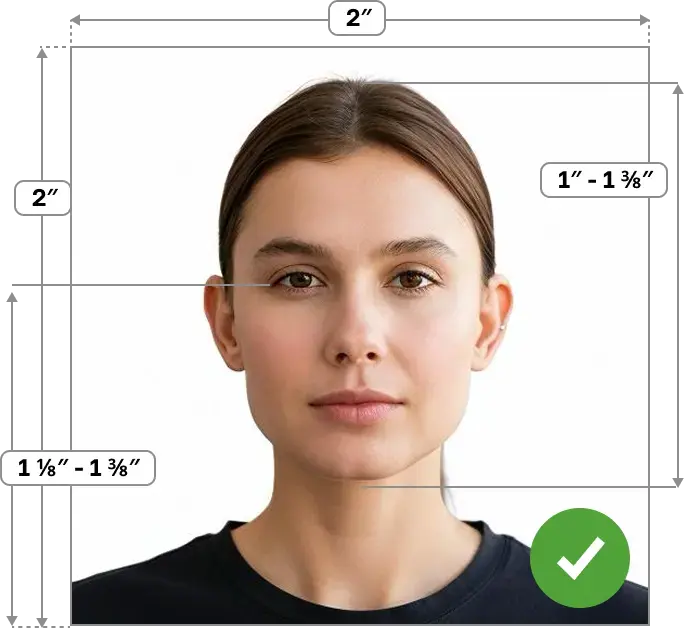
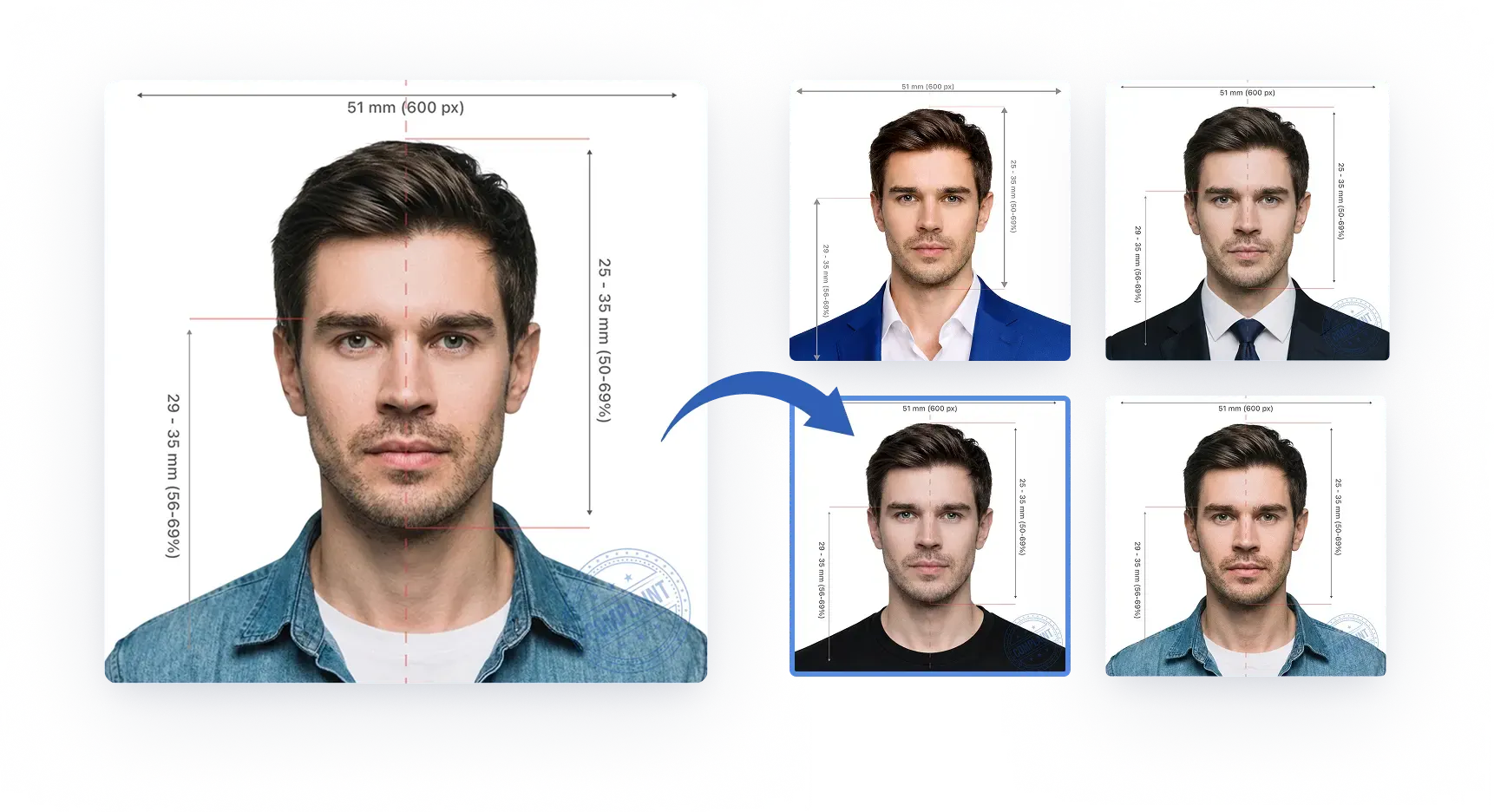
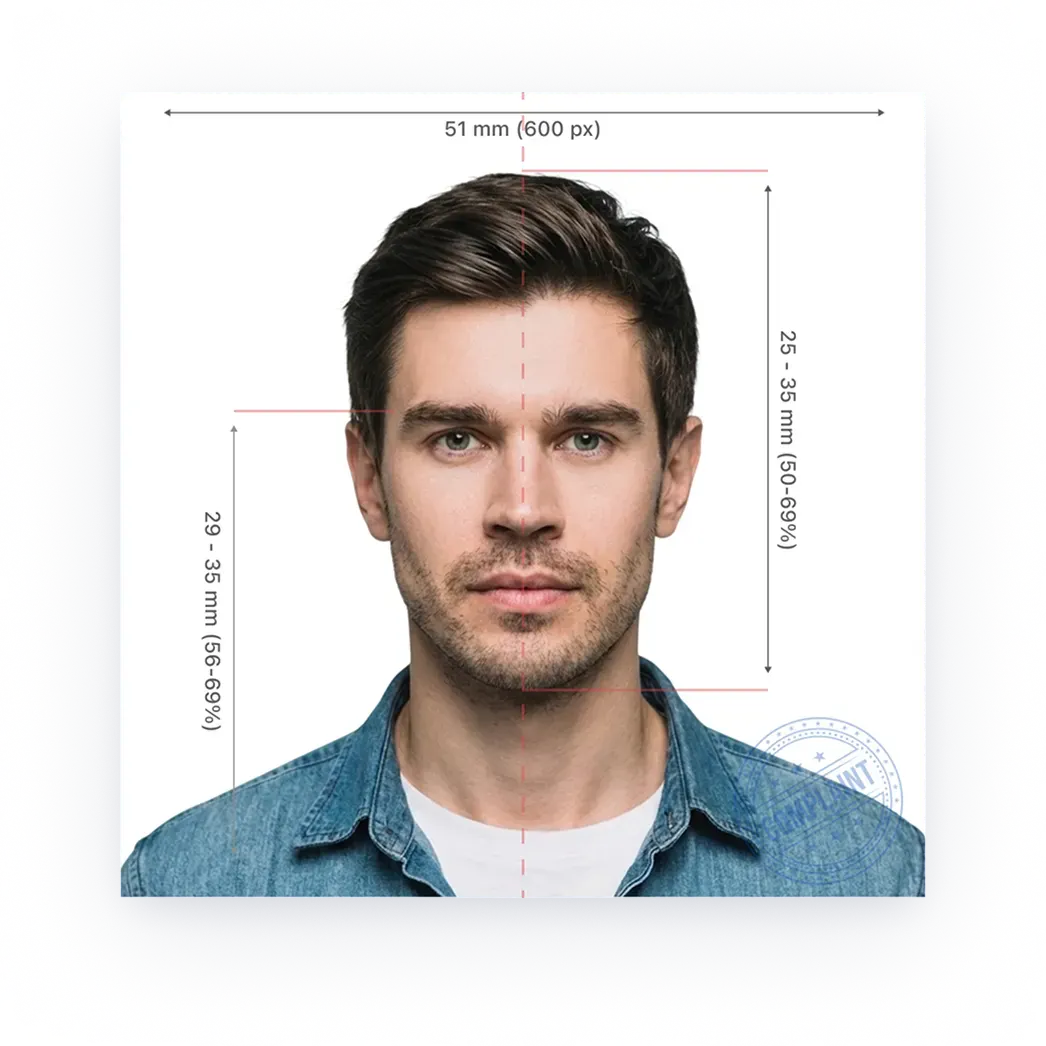
Correct size and framing
The photo is cropped to the destination document size and the head is positioned to the expected biometric band.
Plain white or off-white background
A uniform, light background without shadows, objects, people, or distracting texture.
Even lighting, no shadows, natural skin tone
Soft, balanced light across the face and background without flash glare or color casts.
Face centered, square to camera
The head stays straight, centered, and facing the camera with both eyes visible.
Neutral facial expression, eyes open, no smile
Mouth closed, eyes open, and a neutral expression for reliable biometric matching.
No headwear (religious/medical only)
Headwear is accepted only for religious or medical reasons and must not cover the face.
High-resolution, sharp image
No blur, noise, compression damage, filters, or edits that change the person’s appearance.
Most identification photographs adhere to two official standards: the first — biometric, established by the International Civil Aviation Organization (ICAO); the second — specific parameters and dimensions defined by each jurisdiction. PhotoGov follows these regulations precisely, delivering 100% compliant photos.
While international ID photo standards share a common foundation, the details — such as head proportions, or the policies on prescription eyewear — vary across countries. Below are the official photo sizes and key parameters for popular documents. Click yours to find out more.
Official requirements
Official requirements
Official requirements
Official requirements
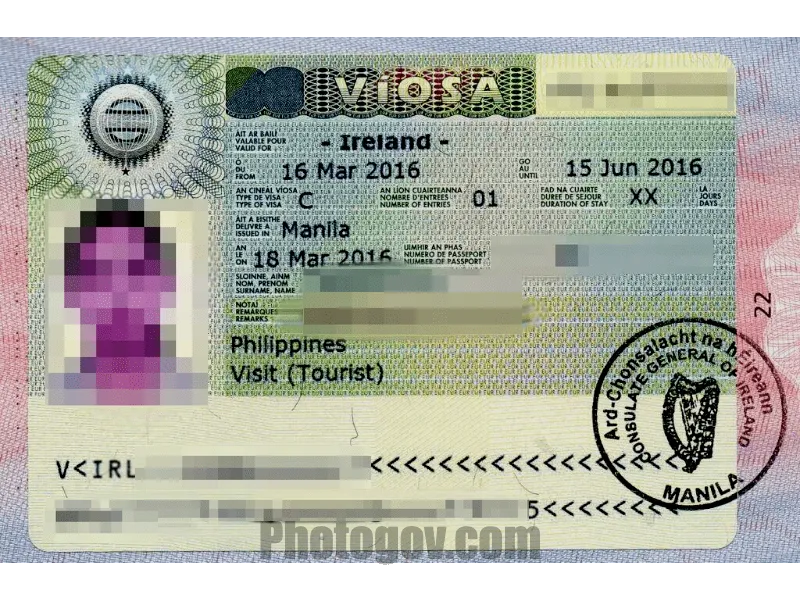
Official requirements
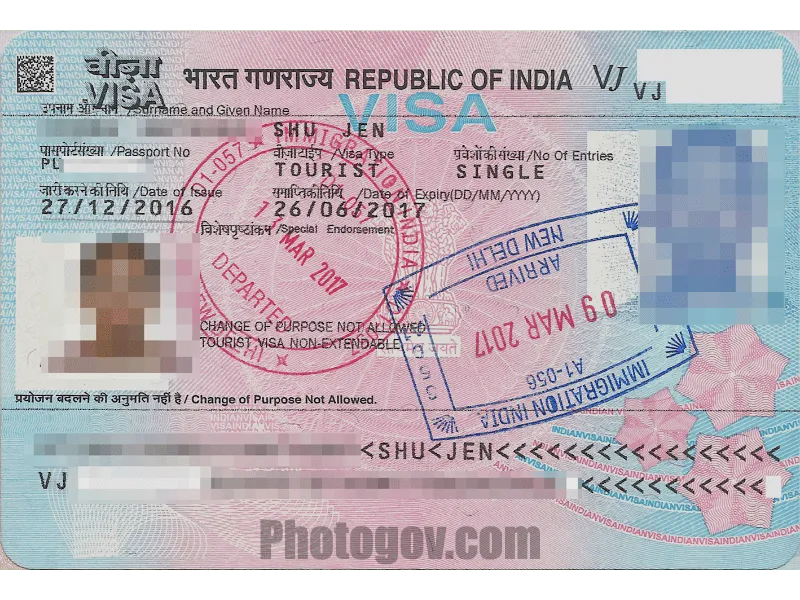
Official requirements
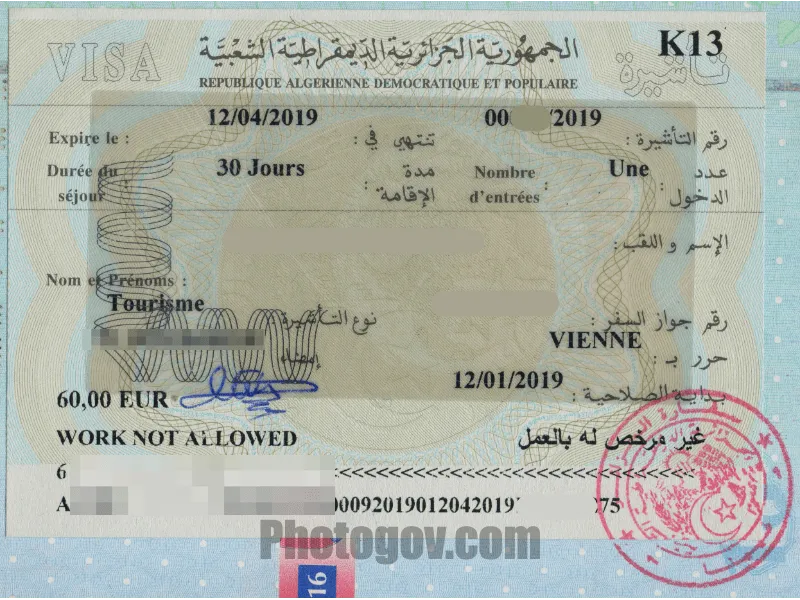
Official requirements
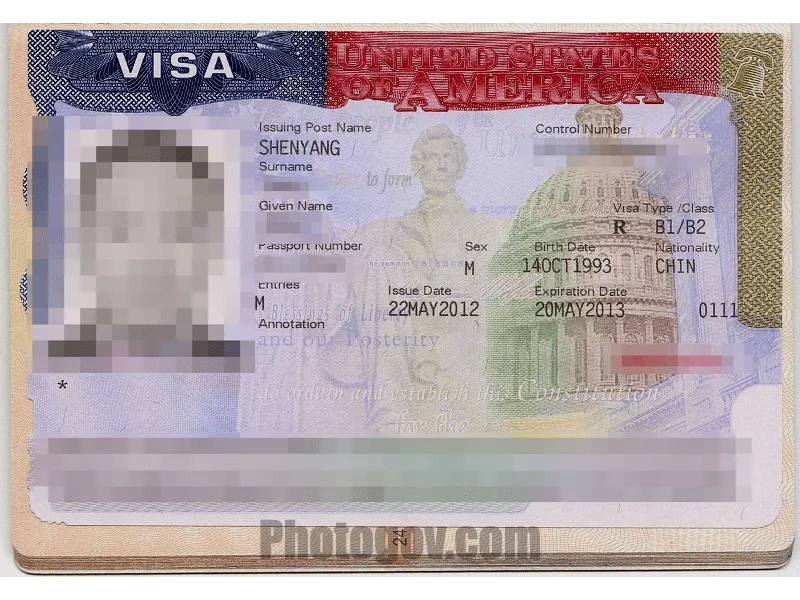
Official requirements

Official requirements
Official requirements
Official requirements
Official requirements
10 doc.
2 doc.
4 doc.
11 doc.
2 doc.
10 doc.
2 doc.
4 doc.
11 doc.
2 doc.
Your photos will pass government inspection after being checked by our experts.
“PhotoGov is still the most secure and compliant U.S. Passport Photo Product as we enter 2025”
By Apollo Technical, 2025
Real experts with 10+ years of experience will check your photo.
in 150+ countries worldwide
for passport, visa, ID in just 3 years
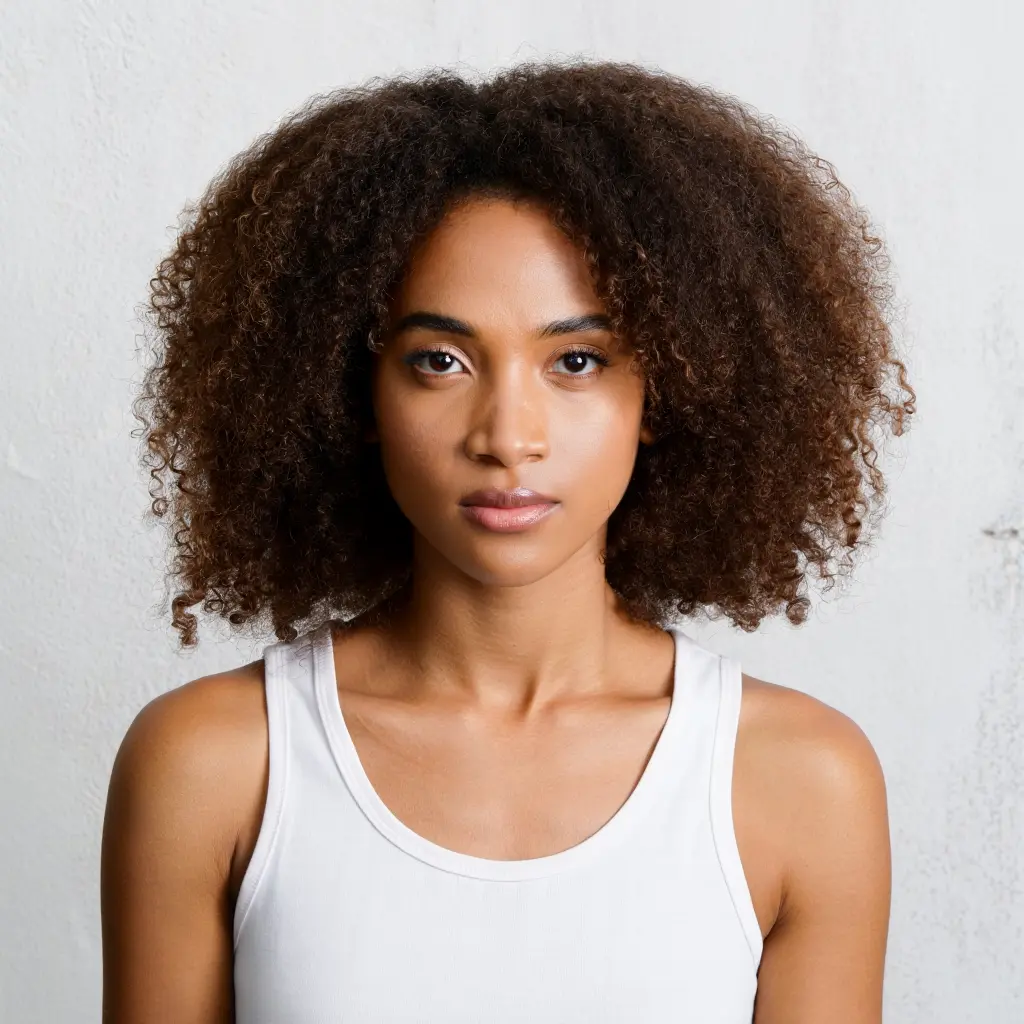
Preview how your selfie is adjusted to official passport and ID requirements — choose a document, then click on a sample face or upload your portrait.
Choose a document:
Click on any face:
Your personal data is processed in accordance with security and privacy standards and used solely for identification document photo processing.
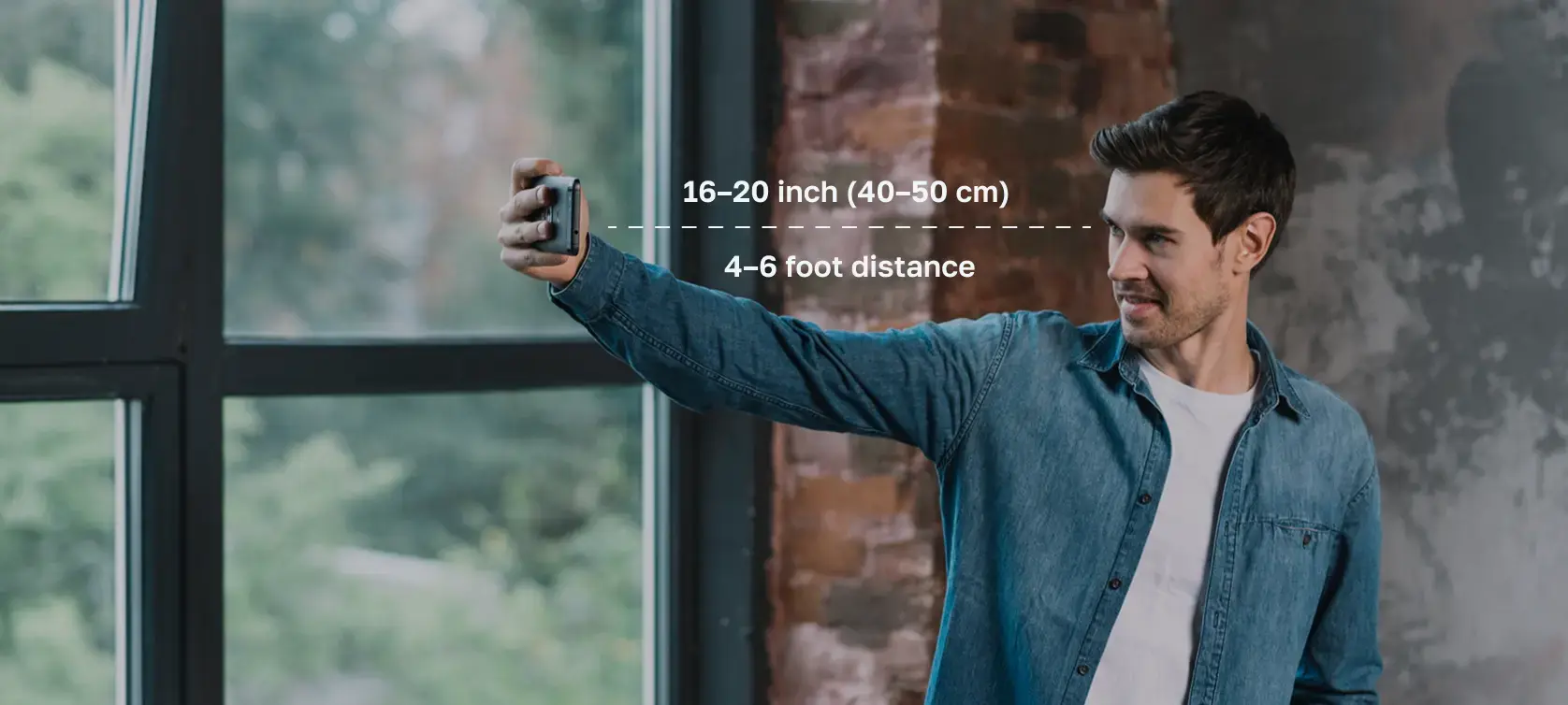
Use these handy tips and take a perfect ID or visa photo with your iPhone or digital camera, without leaving your home or office.
Choose a well-lit room. Stand near a window.
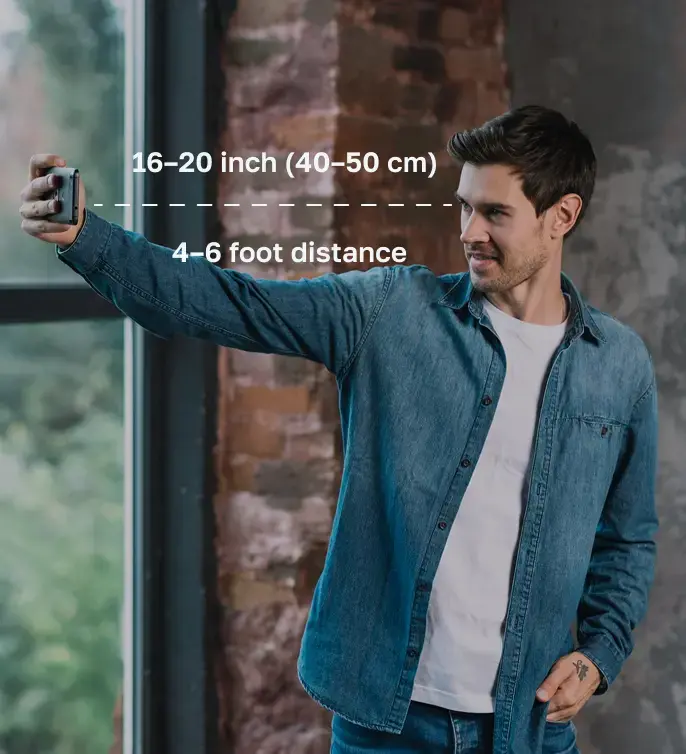
Choose simple clothing, keep your face clear, and maintain a neutral expression.
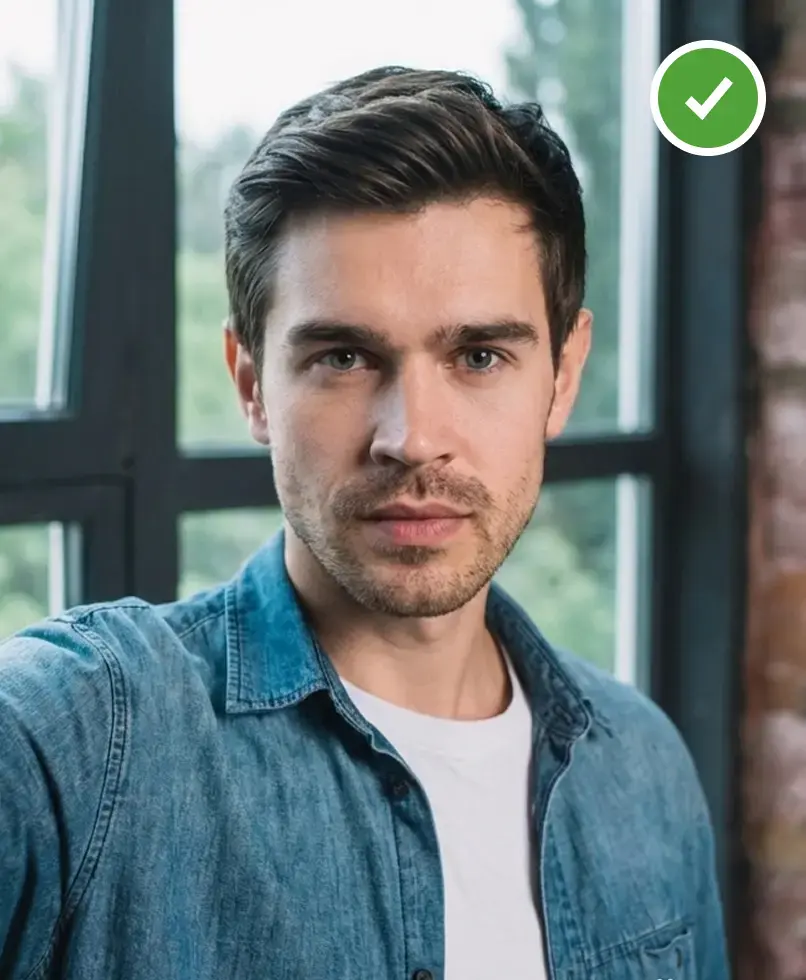
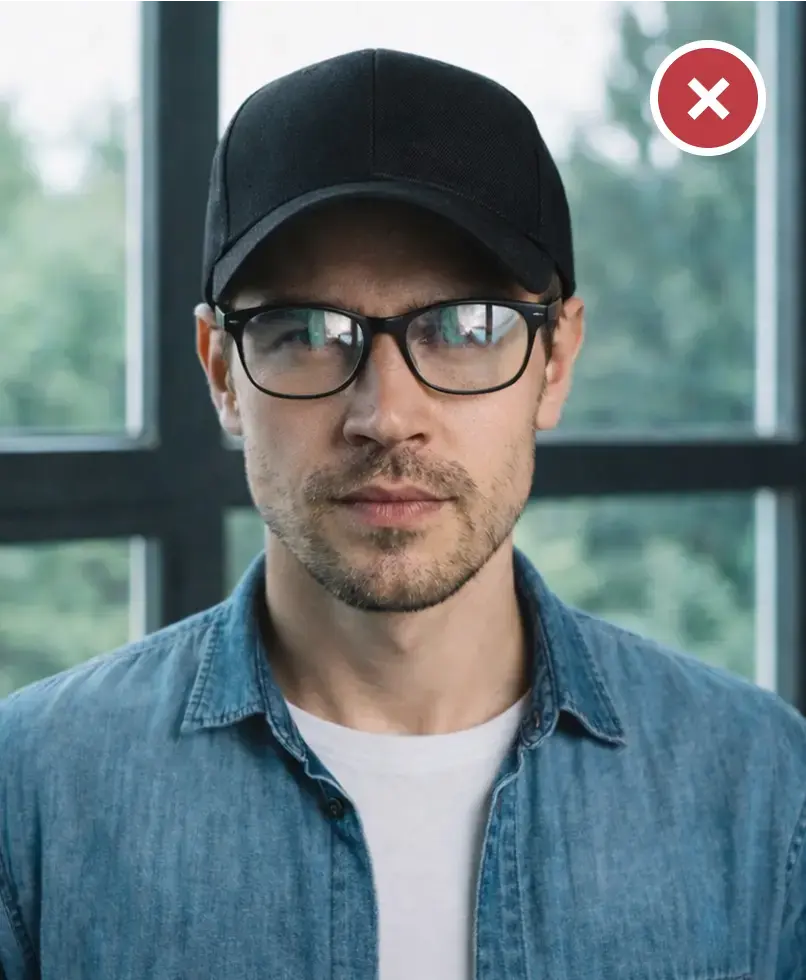
Take or upload a photo in good lighting. Pro equipment is not necessary.
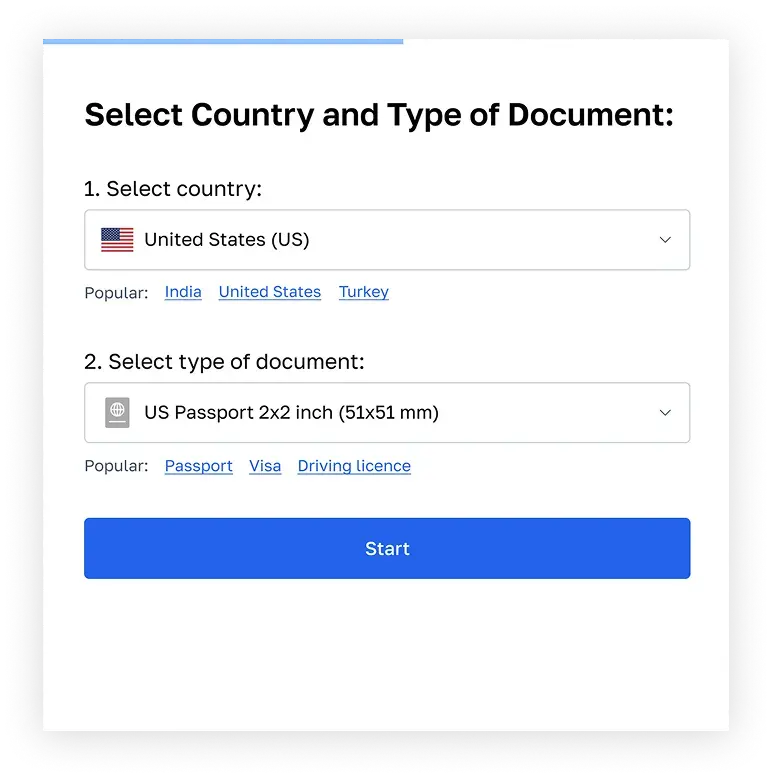
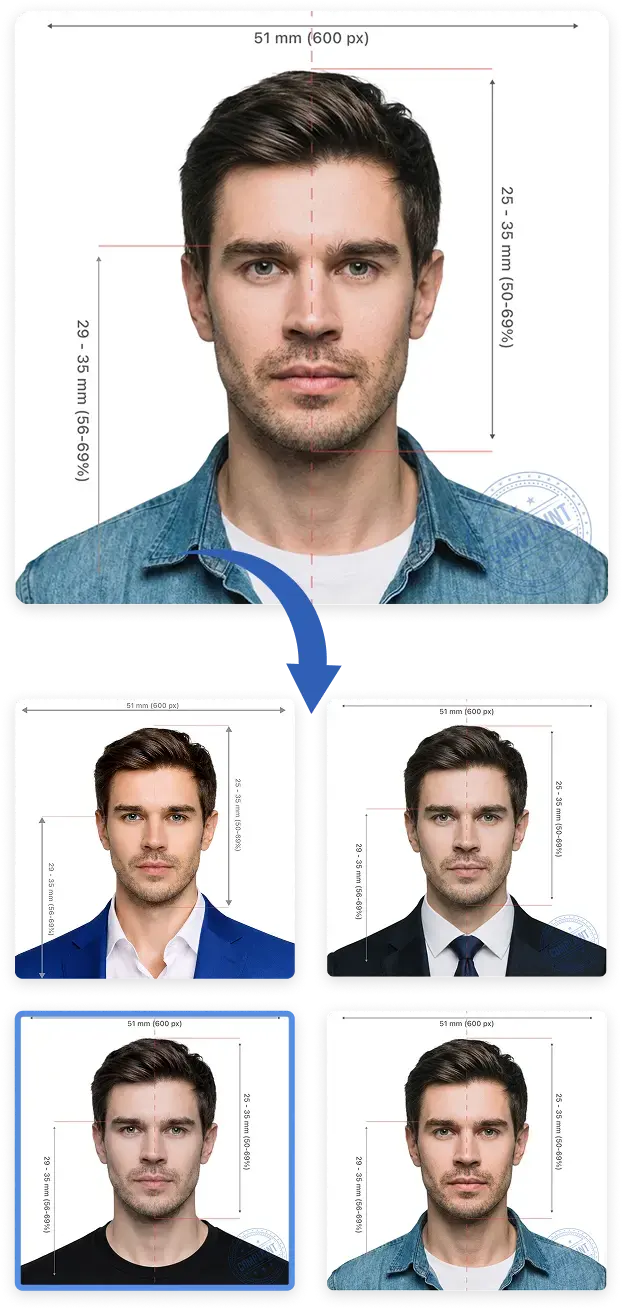
All 6 photos will be 100% compliant with US passport photo requirements.
Our compliance expert will review your photo and provide a report on its compliance. 99.2% approval rate.
Add expert eligibility check with 100% refund guarantee. Change your photo for free if it doesn’t pass.
Sarah Mitchell
Senior Compliance Expert
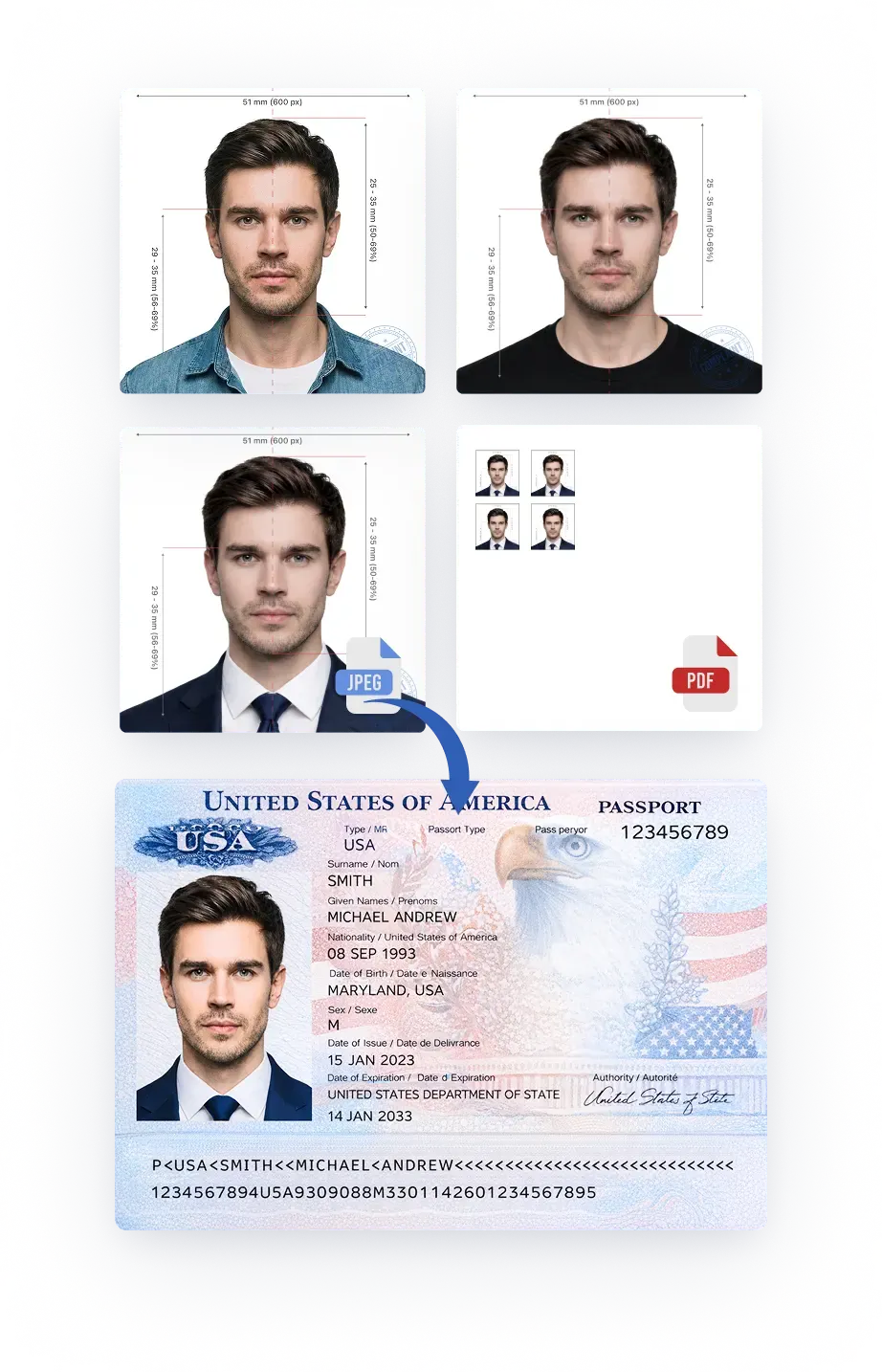
You can select a digital file for online applications, or a printable PDF file for paper submissions.
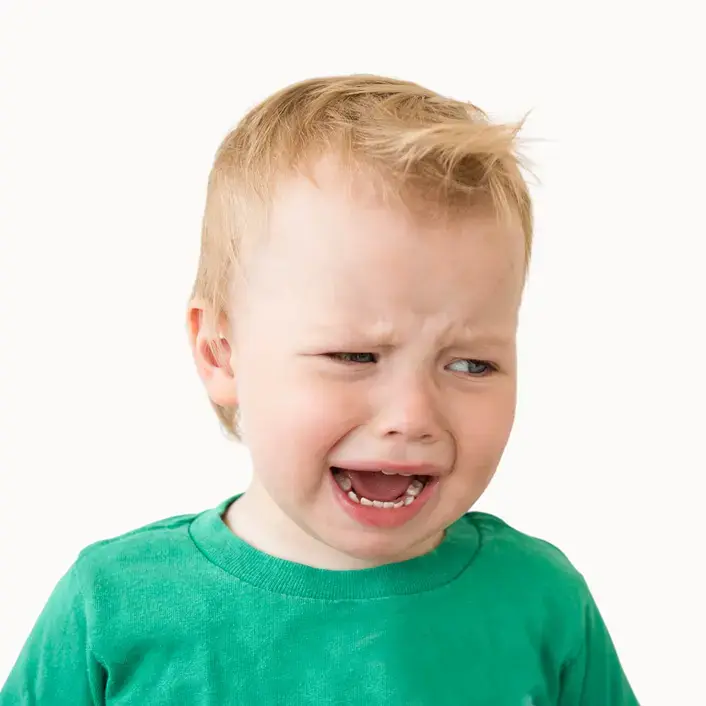
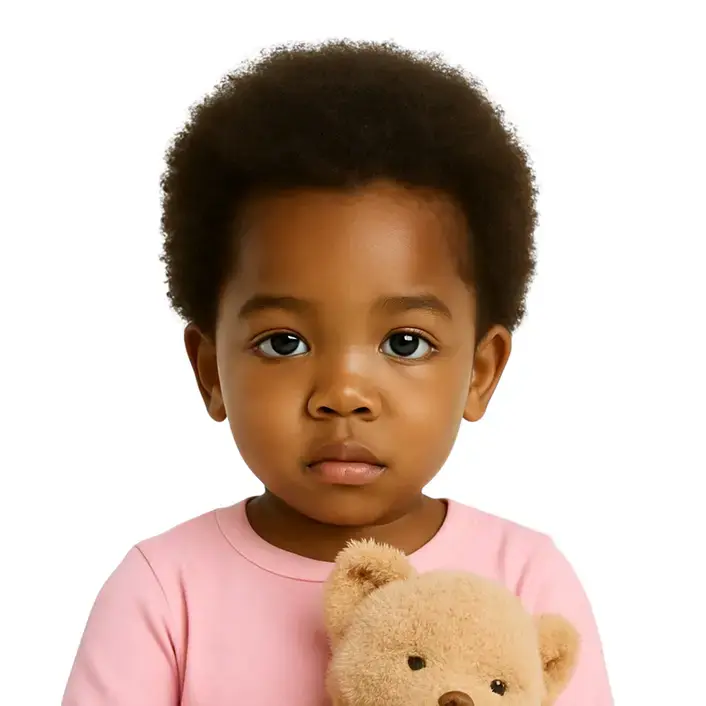
Taking a baby passport photo can be challenging, especially in a studio setting. It’s often easier and more comfortable to do it at home:
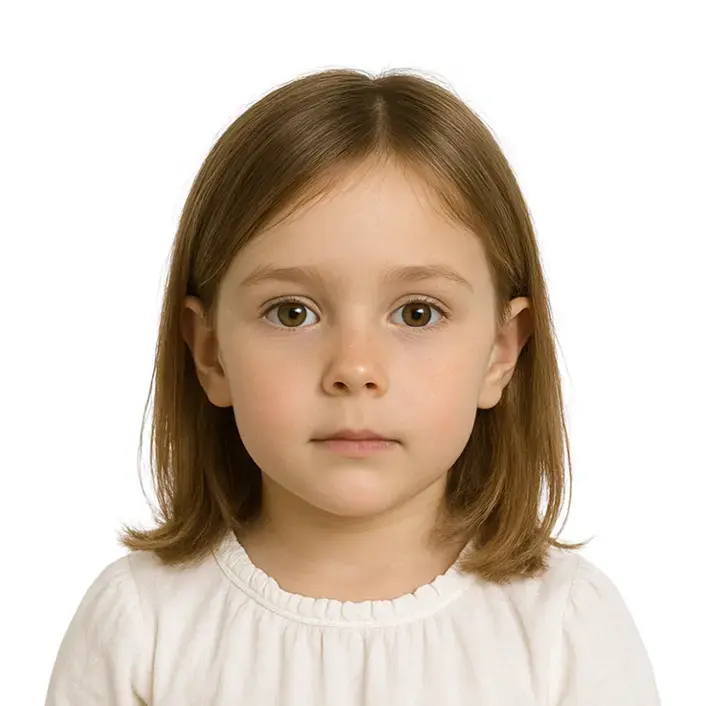
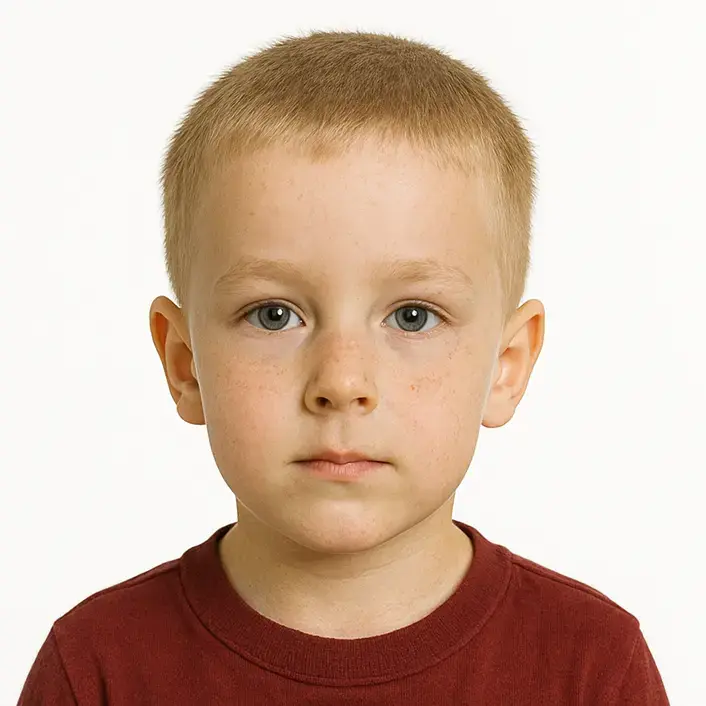
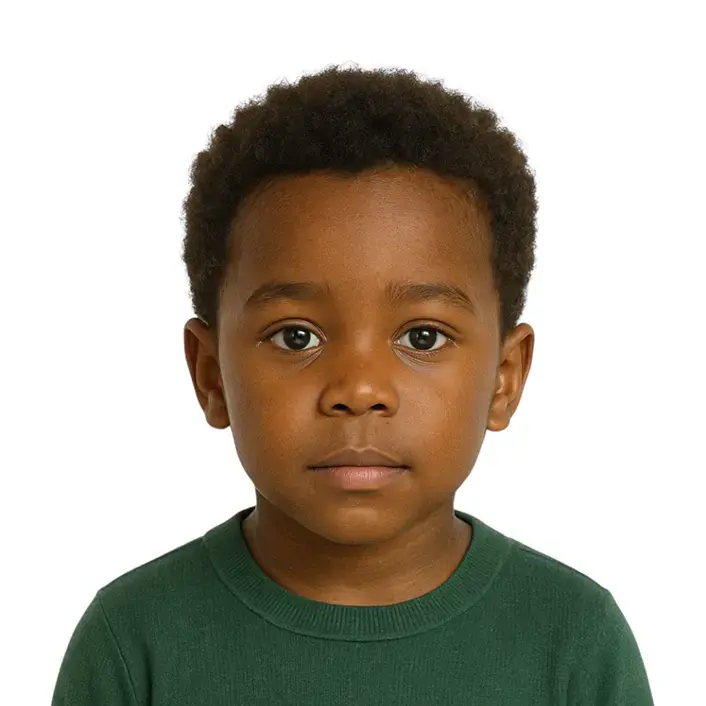
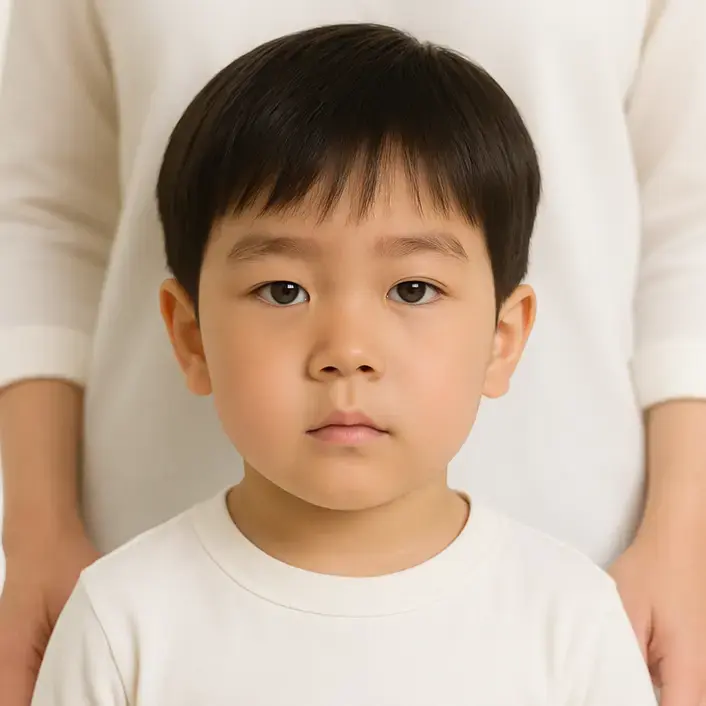
Almost two million people trust PhotoGov to create official photos that meet every government standard.
Our service combines verified data, biometric accuracy adherence, and in-house compliance experts working in collaboration with select embassies. All information on the platform is accurate and up-to-date. Learn what stands behind PhotoGov’s global reputation.
by established government authorities, including the U.S. Department of State, His Majesty’s Passport Office (UK), the European Commission, and other national administrations.
to strengthen liaison and verification processes.
of seasoned compliance specialists, including former consular officers, biometric imaging engineers, and immigration media editors.
A secure, distributed infrastructure processes photos in an encrypted environment, with an embedded compliance system for consistent accuracy and uptime across regions.
of our platform to reflect the latest government requirements, ensuring that every processed photograph meets official standards.
More than 1.8 million users across 150 countries have created official document photos with PhotoGov. Over 12,000 people use the platform daily.
in the online photo tools category on Trustpilot, maintaining a 4.7-star average rating based on 3,000+ Google reviews.
a premium add-on that provides an additional layer of compliance assurance. For high-priority applications, users can request an expert eligibility check.
All photos created with PhotoGov are formatted according to official government specifications for ID and visa applications, reflecting the size, background, and framing standards of regulatory sources. Final acceptance of every image is always determined by the issuing authority — such as the U.S. Department of State, USCIS, HM Passport Office, or equivalent national agencies. PhotoGov operates as an independent private service. As an independent service, it is not affiliated with any government or consular institution.
Learn more about our service’s adherence to the Global regulations for ID photos. Important notice for users in the US: Compliance with Official U.S. Department of State Regulations on ID photos digital alterations.
By Google
(3200 reviews)

10 months ago
Easy tool for preparing photos in accepted formats across government agencies and countries.
Posted on Google

10 months ago
Simple, fast, and free compared with other services that charge for the same task.
Posted on Google

10 months ago
Professional result with a clean background and simpler sizing than editing manually.
Posted on Google
FAQ
No. PhotoGov is an independent preparation tool. The final decision on whether a photograph is accepted is always made by the issuing authority — the U.S. Department of State, USCIS, HM Passport Office, IRCC, or the equivalent agency in another country.
Everything runs in your browser using MediaPipe Tasks Vision: face landmarks, geometry checks, the auto-crop, and the output JPEG export. No file leaves your device during the free preview check. Paid downloads are stored briefly in encrypted object storage so the email link works.
Yes. The catalog covers 920 documents across 168 countries. Each document page shows the country-specific size, file format, background color, and head-position rule that applies.
Biometric matching compares the captured portrait against the live person at submission. Smiling changes the shape of the face and can reduce match accuracy. ICAO 9303 requires a neutral expression with the mouth closed.
For U.S. passport and visa photos, no — ordinary clear glasses are usually rejected because of glare. Some other countries permit glasses if the eyes are fully visible and there is no glare.
Read the exact rejection message and retake for the reason given. Most rejections trace back to size, background, expression, lighting, file format, eyewear, or photo quality.
The U.S. Department of State asks for a photo taken within the last six months that represents your current appearance.
The U.S. Department of State prohibits digital alteration of facial features, skin, hair, eyes, or background for passport photos. For U.S. documents we crop and resize only.